qrypto.cash

A post-quantum wallet.

AI is accelerating the discovery of cryptographic weaknesses. Nothing widely deployed is broken today, but the time to prepare may be now.

Checking release status… Read the story
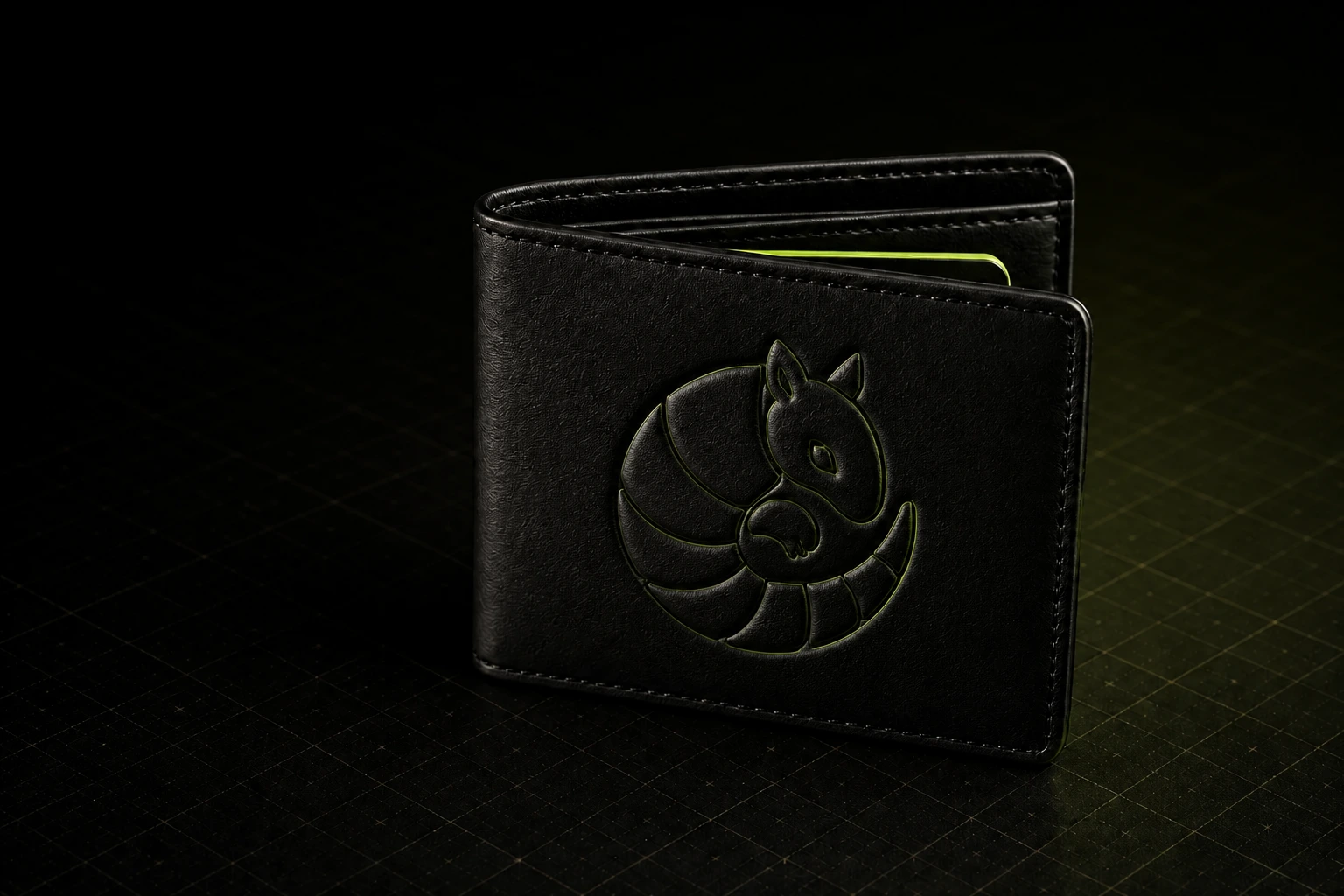
Editorial product image of a black wallet embossed with a curled armadillo and a single acid-green card edge.

qrypto.cash comes with
quantum-proofing out of the box.

Every qrypto.cash operation is one hash approved twice: once with a regular ECDSA key, once with a post-quantum SPHINCS-C13 key. The smart account executes only after both signatures verify onchain; either failing rejects the operation.

Diagram: a gray Standard key and a green Quantum-encrypted key merge directly into one transaction card labeled TX SIGNED.

About 307k UserOperation gas in this measured Sepolia run (307,288 used, 399,605 pre-estimated, 300,559 in the outer transaction). Fees vary by network and conditions.

Under the hood, that second signature is SPHINCS-C13: an experimental SPHINCS-derived construction, not NIST's standardized SLH-DSA, and qrypto.cash is unaffiliated with the SPHINCS+ team.

Even if one key breaks,
your wallet doesn't.

Every transaction needs your regular Ethereum key and a separate post-quantum key. Cracking one is not enough.

Install it and create yours

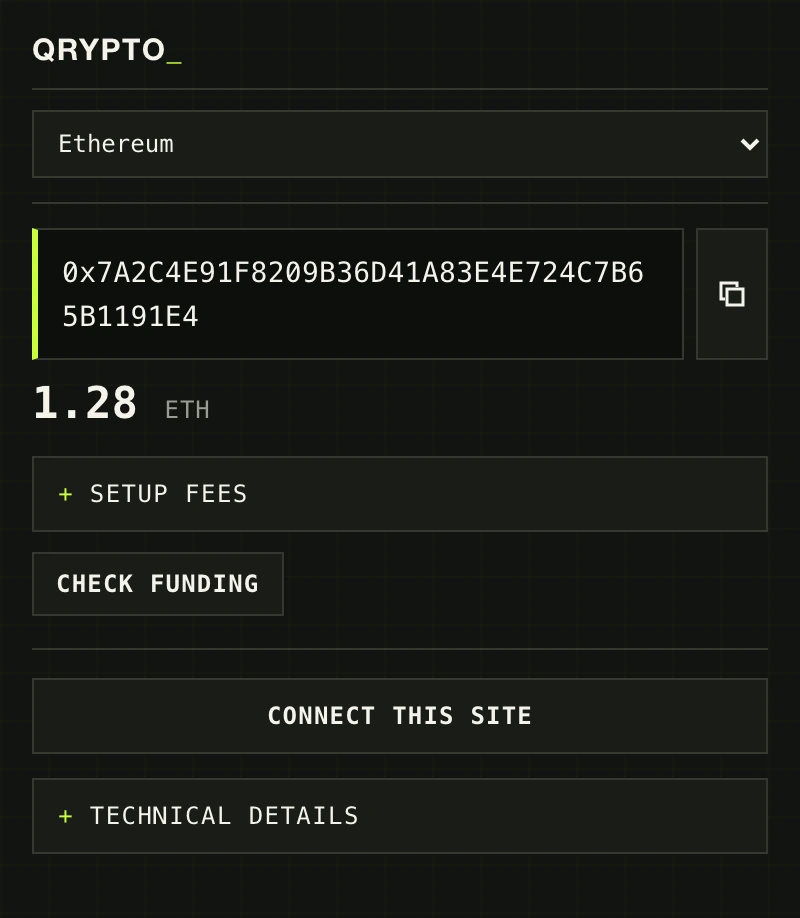
A configured qrypto.cash wallet on Ethereum, showing ETH and USDC balances, quantum-protected status, and Receive, Send, and Swap actions.
An editorial illustration of a mathematician chalking cipher tables across a blackboard in a dim wartime codebreaking room.

Cryptography hardens under attack.

Ciphers earn trust the hard way: years of capable adversaries probing every assumption, in rooms like this one. What survives that scrutiny is trusted; what breaks is retired. qrypto.cash starts from the possibility of failure: every transaction needs two independent keys to agree, so breaking one signature scheme is not enough to move the account.

Read the full story, from clay to quantum

Install it now.

Checking verified ZIP The download appears after release verification
Local install instructions
  1. Download and extract

    Extract the verified ZIP to a folder you keep.

  2. Load unpacked

    Turn on Developer mode, choose Load unpacked, and pick that folder.

  3. Open qrypto.cash

    Open it from the toolbar and choose Create wallet.

Browser addresses and packaging notes

Paste your browser's extension address into the address bar. Chrome is the reviewed path; Brave has not been smoke-tested for this release; Edge follows its documented unpacked-extension flow. This Chromium ZIP is not a Firefox XPI; Firefox needs a separately compatible, Mozilla-signed XPI.

  • Chromechrome://extensions
  • Bravebrave://extensions
  • Edgeedge://extensions
Release manifest and checksum

Read from ./release.json. Verify the ZIP yourself: shasum -a 256 qrypto-quantum-wallet.zip must match the checksum above.